See Who Unfollowed You on Instagram: Safe Methods Explained
Can You See Who Unfollowed You on Instagram?
Instagram does not provide an official list of people who have unfollowed you. You may receive notifications for new followers, likes, comments, and some other activity, but Instagram does not send an alert when someone removes you from their followers list.
That means there is no built-in button that instantly shows every account that unfollowed you. You can still check individual accounts manually or track changes over time, but each method has limits. Be especially careful with services that promise complete, real-time results after asking for your Instagram password.
Before assuming someone unfollowed you, remember that other situations can produce the same result. The account may have blocked you, restricted your interaction, been deactivated, changed its username, or removed you as a follower without unfollowing you.
Manual Ways to Check Instagram Unfollowers
Check a specific account
Manual checking is the safest option when you want to verify one or a few accounts:
- Open Instagram and go to the person’s profile.
- Tap their Following list.
- Search for your username.
- If your account does not appear, check whether you still follow them and whether their profile is visible to you.
You can also open your own Followers list and search for that username. If the account is missing, it is no longer following you. This does not always prove that the person actively pressed “unfollow”; they may have deactivated their account, changed usernames, or removed you from their followers.
Use a baseline for future changes
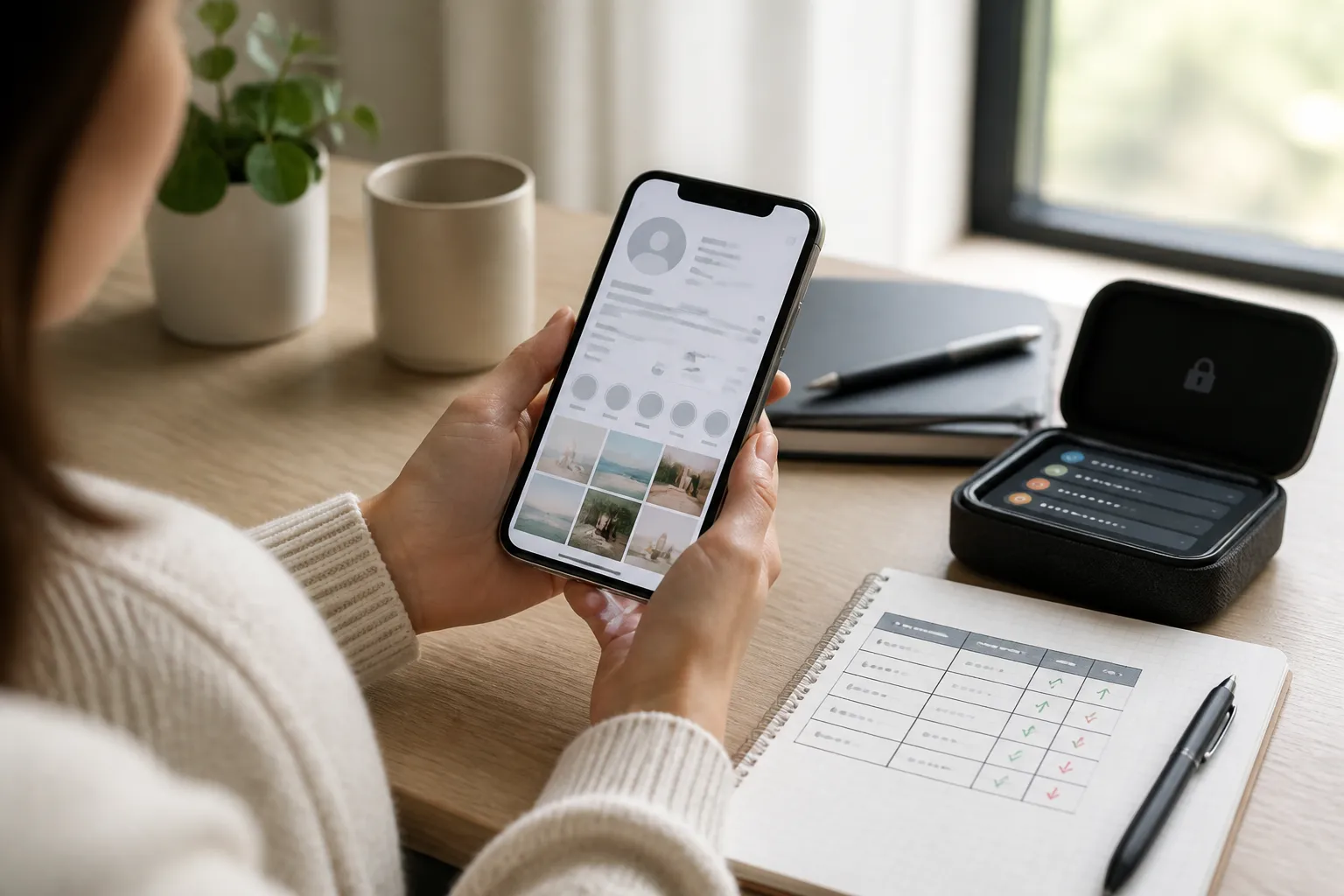
Manual checking becomes more useful when you create a record first. For example, once a week, export or note the usernames of accounts you want to monitor. A simple spreadsheet with the username, date checked, and follower status is enough.
This approach will not show historical unfollows from before you started tracking. It also works better for a small list than for thousands of followers. Avoid taking repeated screenshots of sensitive account information if you do not need them, and store any tracking file securely.
Third-Party Unfollower Apps: Benefits and Risks
Unfollower apps can appear convenient because they compare follower data and display accounts that no longer follow you. Some services may use Instagram’s available account connection methods, while others ask for your Instagram username and password directly. These two situations are not equally safe.
The main risks include:
- Password theft: A fake login page can capture your credentials and reuse them on other services.
- Account takeover: Attackers may change your email, password, or recovery details after gaining access.
- Data collection: An app may collect your username, follower list, profile data, or activity patterns.
- Automated actions: Excessive requests, mass unfollows, or other automation may trigger Instagram security checks.
- Unreliable results: A service may show outdated, incomplete, or incorrect data.
A free app is not automatically safe. The real question is what access it requests, how it authenticates, whether it has a clear privacy policy, and whether you can revoke access later. Never enter your Instagram password into an unfamiliar website or app just to see unfollowers. Avoid tools that promise instant notifications, guaranteed accuracy, or access to private information.
What Instagram’s Official Features Allow
Instagram’s official tools let you review your followers, following list, account activity, and connected apps or websites. They do not officially provide a permanent “people who unfollowed me” report.
You can review connected services through Instagram’s account settings and remove access you no longer trust. You may also request a copy of your account information through Instagram’s information download or export options, depending on the current settings available in your region. An exported file can help you keep a personal record, but it will not necessarily identify every past unfollower or provide an instant historical timeline.
Instagram’s menus can change, so the names and locations of these settings may vary between the mobile app, browser version, device, and country. Treat any website claiming to be an official Instagram unfollower dashboard with caution unless you can verify it through Instagram itself.
Unfollowed, Blocked, Restricted, or Deactivated?
These terms describe different actions:
- Unfollowed: The person no longer follows your account, but their profile may still be visible to you.
- Blocked: The person prevents you from viewing or interacting with their profile. Searching for the account may produce no result, although a changed username or deactivation can look similar.
- Restricted: Your interaction is limited. Comments may require approval, and message visibility can change, but you may still be able to view the profile.
- Deactivated account: The account is temporarily unavailable, so it may disappear from searches and follower lists without anyone unfollowing you.
Instagram does not always tell you which of these situations occurred. Compare the account from another legitimate profile only when necessary, and do not create fake accounts to bypass someone’s privacy choices.
How to Protect Your Instagram Account
If you have already used an unfollower service, take a few security steps immediately:
- Change your Instagram password to a unique password that you do not use elsewhere.
- Turn on two-factor authentication with an authenticator app or another trusted method.
- Review active login sessions and sign out of devices you do not recognize.
- Check connected apps and websites, then remove access for services you no longer use.
- Confirm that your email address and phone number are still correct.
- Ignore messages asking for your password, verification code, or recovery link.
Use the official Instagram app or type Instagram’s address yourself rather than following suspicious links in direct messages. Security alerts, login codes, and recovery emails should be checked carefully before you take action.
How to Track Follower Changes Safely
The safest tracking method is a simple routine rather than an app with unrestricted account access. Choose a specific list of accounts, record the date, and check them manually once a week or once a month. For a broader audience, use your own spreadsheet or a private note with only the information you need.
Do not measure your account solely by follower count. A drop of a few followers can result from spam removal, deleted accounts, or normal changes in interest. Look for longer-term patterns, such as changes after a content topic, posting schedule, or campaign.
There is no reliable way to recover every historical unfollow without a previous record. Manual checks take more time, but they avoid password sharing, unnecessary data collection, and automated account activity. For most users, that trade-off is worth it.
Can Instagram show me who unfollowed me?
No. Instagram does not provide an official list or notification showing every account that unfollowed you.
Is it safe to use a free Instagram unfollower app?
Not automatically. Avoid any service that requests your Instagram password or promises guaranteed, real-time results.
How can I manually check if someone unfollowed me?
Open the person’s profile, check their Following list for your username, and confirm whether they still appear in your Followers list.
Does being blocked mean someone unfollowed me?
Not necessarily. Blocking hides or limits access to a profile and is different from simply unfollowing an account.
Can I see past unfollowers without tracking them before?
Usually not. Instagram does not offer a complete historical unfollower report, so tracking must begin before future changes occur.