Instagram Account Hacking: Risks, Signs and Protection Guide
Instagram Account Hacking: What You Need to Know
Instagram account hacking rarely begins with a sophisticated technical attack. In many cases, the attacker tricks the account owner into revealing a password, entering a code on a fake page, or approving a login request without checking it carefully. Content creators, small businesses, and personal accounts can all be targeted because an Instagram profile may contain private messages, customer conversations, payment information, and an audience that can be abused for scams.
The safest approach is not to search for ways to break into an account, but to recognize the warning signs, strengthen your security settings, and know what evidence to preserve if something goes wrong.
Common Instagram Account Takeover Risks
An account takeover happens when someone gains control of your Instagram profile and changes access details, such as the password, email address, phone number, or authentication method. The most common risks include phishing messages, reused passwords, fake sponsorship offers, malicious links, stolen email accounts, and social engineering.
Attackers often target people who manage business pages or have a visible audience. A message may claim that your account violated a rule, that you have won a verification badge, or that a brand wants to send you a paid collaboration. The goal is usually to create urgency and move the conversation away from normal Instagram activity.
Phishing Messages and Fake Login Pages
Phishing is one of the most common paths to Instagram account hacking. The attacker sends a message or email designed to look official and directs you to a fake login page. Any username and password entered there can be collected and reused by the attacker.
Warning signs of a fake message
- Urgent threats: claims that your account will be deleted within minutes or hours unless you act immediately.
- Unusual links: the visible text may say “Instagram Help Center,” while the actual domain contains extra words, misspellings, or an unrelated address.
- Requests for codes: legitimate support processes should not require you to send a login code to another person in a chat.
- Unexpected attachments: files or documents presented as copyright notices, partnership contracts, or appeal forms may contain malware or lead to fake pages.
- Pressure to leave Instagram: the sender insists that you continue on Telegram, WhatsApp, or another private channel.
Real Instagram security emails can be checked through the account’s security or email-history area when that option is available. Menu names may change, so avoid trusting an email simply because it uses a logo or familiar design. Open Instagram directly from the official app or type the known website address yourself instead of clicking the message link.
Password Reuse and Weak Credentials
Using the same password for Instagram, email, shopping, and other services creates a chain reaction. If another website suffers a data breach, attackers may try the exposed email and password combination on Instagram. A short password, a common phrase, a birth date, or a brand name is also easier to guess.
Use a unique password for Instagram with at least 14 characters. A password manager can create and store a different password for every service. Secure your email account just as carefully, because access to the email inbox may allow someone to reset your Instagram password. Review recent login activity and remove devices you do not recognize.
How to Secure Your Instagram Account
Take these steps from the official Instagram app or website, not from a link sent in a message:
- Change the password: create a unique password that you do not use anywhere else.
- Enable two-factor authentication: use an authenticator app when possible, or another available method that you can protect reliably.
- Check login activity: sign out of unfamiliar devices, locations, or sessions.
- Confirm contact details: make sure the email address and phone number belong to you and are protected.
- Review connected accounts and apps: remove services you no longer use or do not recognize.
- Protect your email account: use its own unique password and two-factor authentication.
- Limit sensitive information: avoid posting travel plans, personal identifiers, recovery details, or private contact information publicly.
Do not share a login code, backup code, or password with a supposed support agent, brand representative, friend, or agency. Instagram support will not need your private authentication code in a direct message to verify your identity.
Two-Factor Authentication Explained
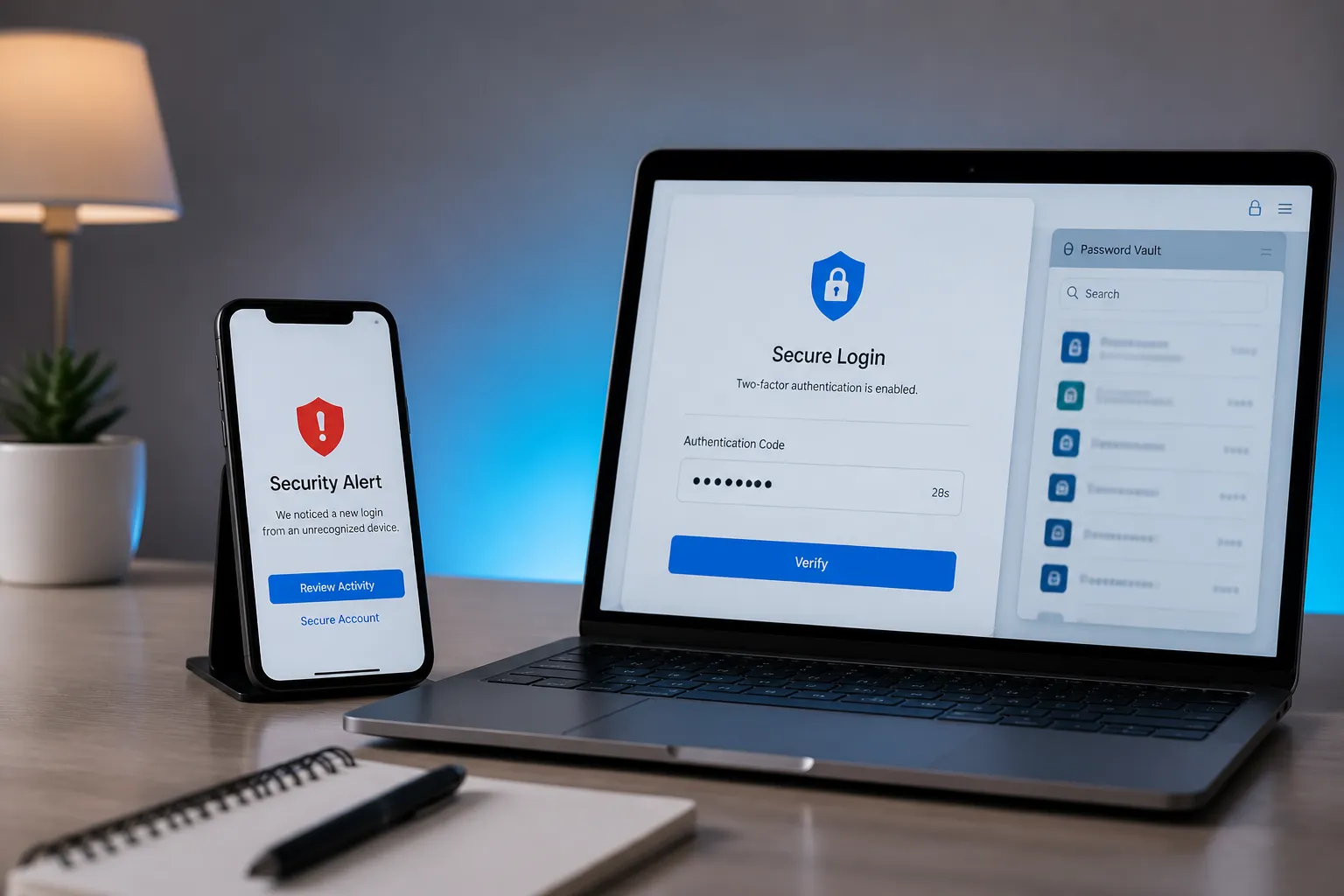
Two-factor authentication, often called 2FA, adds a second verification step after your password. This may be an approval in an authenticator app, a time-based code, a security key, or an SMS code, depending on the options available to your account. If an attacker obtains your password but cannot complete the second step, access becomes much harder.
An authenticator app is generally preferable to SMS when it is practical, because phone numbers can be exposed through scams or account-transfer attacks. Store backup codes in a secure password manager or another protected location. Never keep them in a public note, an unprotected screenshot, or a chat message.
What to Do After an Account Hack
Act quickly, but do not panic. First, preserve evidence before deleting messages or resetting devices. Take screenshots of suspicious direct messages, fake pages, emails, login alerts, changed profile details, and payment requests. Record the sender’s username, the exact web address, dates and times, affected email addresses, and any device or location shown in security alerts. If money or customer data is involved, save transaction records and notify your bank or payment provider.
Next, open Instagram directly and use the official account recovery flow. Check your email inbox for legitimate security notices about changed contact details or password changes. Use the recovery options offered inside the app or through Instagram’s official help pages. If you still have access, change the password, sign out unknown sessions, restore your email and phone number, enable 2FA, and warn followers that recent messages may be fraudulent.
If your email account may also be compromised, secure it before relying on email-based recovery. Do not pay anyone who promises guaranteed account recovery, and do not provide identity documents or codes through an unsolicited message. For a business account, inform staff, agencies, and customers through a verified channel so they do not trust posts or messages sent by the attacker.
Simple Habits That Prevent Most Problems
Pause before responding to urgent requests. Check the full domain, open the app independently, and verify unusual offers through a separate channel. Use unique passwords, keep your email protected, enable 2FA, and review login activity at least once a month. These habits will not make an account completely immune to every threat, but they remove the easiest opportunities for account takeover.
Can someone hack my Instagram without knowing my password?
Yes. Phishing, stolen email access, malicious apps, and social engineering can lead to account takeover even when you do not knowingly reveal your password.
How can I tell if an Instagram security message is fake?
Check for urgent threats, suspicious domains, requests for login codes, unexpected attachments, and pressure to continue outside Instagram.
Is two-factor authentication enough to protect Instagram?
It greatly reduces risk but is not a complete guarantee. Use 2FA together with a unique password, protected email account, and careful link checking.
What should I save before trying to recover a hacked account?
Save screenshots, usernames, URLs, timestamps, login alerts, changed account details, payment records, and any messages connected to the incident.